


Restaurant success no longer depends only on food quality, location, or the experience of the service team. These factors remain important, but modern restaurant management also requires a clear understanding of the data behind every order.
Which menu items do customers prefer? When do sales increase? Which promotions generate profitable results? Which products sell frequently but produce a low profit margin? Why does the average order value decrease on certain days?
The answers should not come from guesswork. They can be found by analyzing the information generated by every transaction. When a restaurant uses a modern restaurant POS system, daily sales become a valuable source of organized business data.
Restaurant sales reports can then help owners and managers make better decisions about pricing, menu planning, inventory purchasing, employee scheduling, marketing campaigns, and customer experience.
Cashier POS helps restaurants manage sales, payments, inventory, expenses, employees, and reports from one connected platform. Because it works as an online and offline POS, restaurants can continue processing orders even when the internet is unavailable.
This guide explains how to use restaurant sales reports to understand customer behavior, identify growth opportunities, improve daily operations, and turn business data into practical decisions that increase revenue and profitability.
Why Restaurant Sales Data Matters
Every receipt contains more than a total amount. It includes valuable information about:
- What the customer ordered
- When the order was placed
- Which products were purchased together
- Whether a discount was applied
- Which payment method was used
- Which employee completed the transaction
- Which branch processed the order
- Whether the order was refunded, canceled, or modified
When this information is collected through a POS system, patterns begin to appear.
You may discover that one menu item receives a large number of orders but depends on expensive ingredients and produces a low margin. You may find that additional drinks increase the average order value during evening hours, or that one branch performs best on weekends while another depends mainly on weekday lunch orders.
Sales data does not replace the experience of restaurant owners and managers. Instead, it makes their experience more accurate.
Experience helps you identify what should be reviewed. Reports show the size of the problem or opportunity and help you measure the results after making a change.
What Are Restaurant Sales Reports?
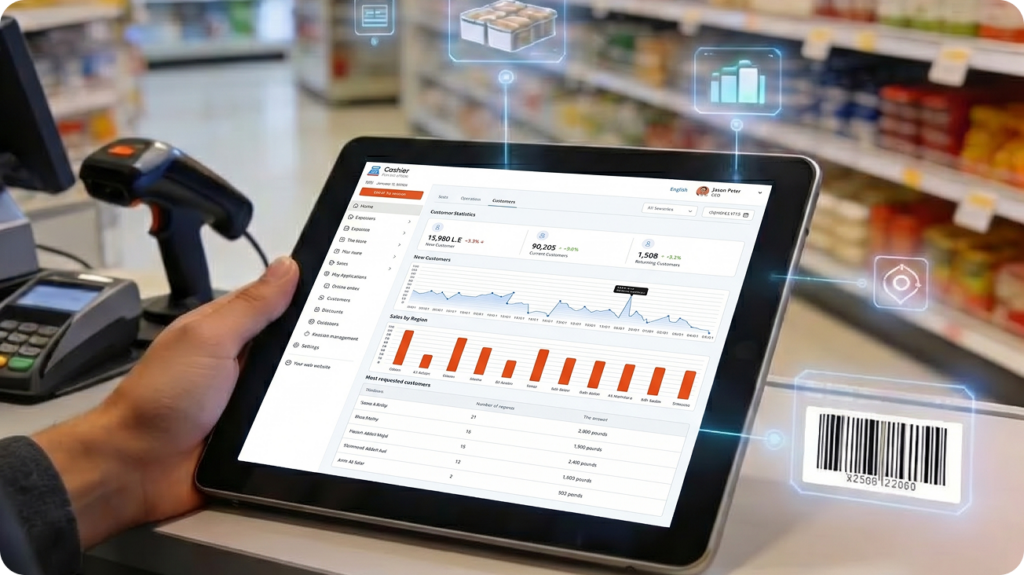
Restaurant sales reports are organized summaries generated by a restaurant’s point-of-sale system. They show how the business performed during a specific period, such as an hour, day, week, month, quarter, or year.
A useful sales report should not only display total revenue. It should also explain how that revenue was generated.
Common information found in restaurant sales reports includes:
- Gross sales and net sales
- Total number of orders
- Average order value
- Sales by item or category
- Sales by branch
- Sales by hour or day
- Discounts and promotions
- Canceled orders and refunds
- Payment methods
- Employee sales performance
- Expenses and profit margins
- Inventory movement
- Best-selling and slow-moving products
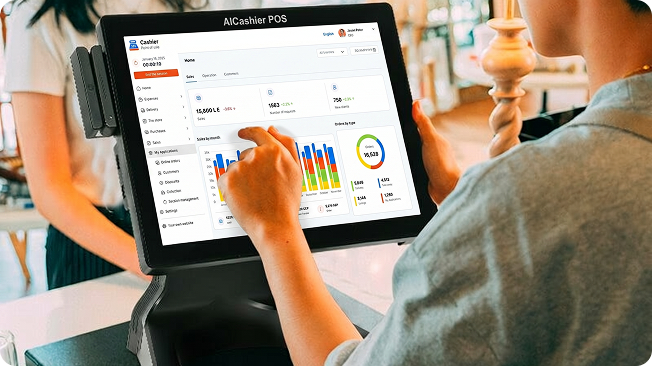
A modern POS app can bring sales processing, receipt generation, inventory management, employee access, payment tracking, and business reporting together in one platform.
This is usually more accurate and efficient than using separate spreadsheets, notebooks, cash registers, and manual inventory records.
The Difference Between Collecting Data and Understanding Data
Having thousands of transaction records does not automatically mean that you understand your customers.
The real value begins when you move beyond asking, “How much did we sell?” and start asking more specific questions.
For example:
- Did revenue grow because the restaurant received more orders?
- Did revenue increase because the average order value became higher?
- Did the promotion generate additional sales, or did it only reduce prices?
- Is the best-selling menu item also the most profitable?
- Is a sales decline connected to a certain branch, shift, day, or ordering channel?
- Are labor and ingredient costs increasing faster than revenue?
Raw data describes what happened. Analysis connects different indicators and helps you develop explanations that can be tested.
For example, a sales increase may appear positive. However, if discounts, food costs, overtime, and waste increased at a faster rate, the restaurant’s actual profit may not have improved.
This is why restaurants should review sales, expenses, inventory, discounts, and operating costs together rather than focusing on revenue alone.
The Most Important Data for Understanding Restaurant Customers
1. Sales by Hour and Day
A sales-by-time report helps answer important operational questions:
- When does the restaurant become busy?
- Which hours are usually quiet?
- What are the best-performing days?
- Do ordering patterns change between lunch and dinner?
- Are weekends different from weekdays?
Analyzing hourly sales helps managers prepare staff schedules, organize kitchen production, and choose the best times for promotions.
For example, if sales are consistently low between 3:00 p.m. and 5:00 p.m., the restaurant could test a limited-time offer during that period instead of offering a discount throughout the entire day.
If order volume increases significantly after 7:00 p.m., managers should make sure enough employees and high-demand ingredients are available before the evening rush begins.
Daily comparisons also reveal differences in customer behavior. Weekday customers may prefer fast meals during their lunch breaks, while weekend customers may order larger family meals.
These patterns can influence staffing, preparation, menu design, advertising, and inventory planning.
2. Best-Selling Items and Categories
Knowing which products sell the most is important, but sales volume should not be reviewed alone.
Restaurant owners should compare each product’s popularity with its ingredient cost, preparation time, selling price, and profit margin.
Menu items can generally be divided into four groups:
- High sales and high profitability
- High sales and low profitability
- Low sales and high profitability
- Low sales and low profitability
High-selling, high-profit items should be protected, promoted, and kept consistently available.
Popular items with low profit margins may require a price adjustment, recipe revision, portion change, or supplier review.
Profitable items with low sales may need a better name, image, description, position on the menu, or recommendation from employees.
Products with both low demand and low profitability may need to be redesigned or removed.
In this way, restaurant sales reports become a menu-planning tool rather than simply a list of products ranked by sales volume.
3. Average Order Value
Average order value is calculated by dividing total sales by the number of orders during the same period.
For example, if a restaurant generates $5,000 from 250 orders, the average order value is $20.
This indicator helps you understand approximately how much each customer or order contributes to revenue.
If the restaurant receives more customers but average order value decreases, sales may be shifting toward lower-priced products or promotions.
If average order value increases without a major increase in order volume, the reason may be successful upselling, meal bundles, price adjustments, or larger order sizes.
Restaurants can improve average order value by:
- Suggesting relevant add-ons
- Training employees to recommend complementary products
- Creating meal bundles
- Offering different portion or size options
- Recommending desserts after main meals
- Connecting popular meals with drinks or side dishes
- Displaying higher-value options clearly
However, upselling should improve the customer’s experience rather than create pressure. The objective is to help customers build a more complete order, not encourage them to purchase products they do not need.
4. Products Frequently Purchased Together
Do not only analyze individual items. Review which products regularly appear together in the same order.
This can reveal useful relationships between menu items.
For example, you may discover that customers who order a particular burger frequently add a specific drink, or that desserts are more commonly purchased with family meals than individual meals.
Restaurants can use this information to:
- Create profitable meal combinations
- Build relevant promotional bundles
- Improve the order screen layout
- Place related products near each other
- Train employees to make better recommendations
- Display automatic suggestions during online ordering
Instead of offering a general recommendation, the restaurant can suggest an item that naturally complements the customer’s existing order.
This can improve the customer experience while increasing average order value.
5. Promotions and Discounts
A promotion should not be judged only by the number of orders it generates.
Restaurant managers should also review its effect on:
- Net sales
- Average order value
- Profit margin
- Food costs
- Number of new orders
- Discount value
- Sales of targeted products
- Repeat customer behavior
When analyzing a promotion, compare the promotional period with a similar period when no offer was available.
This helps determine whether the discount attracted additional demand or simply reduced the price for customers who would have purchased anyway.
A successful promotion may be designed to:
- Increase traffic during quiet hours
- Encourage customers to try a new product
- Increase sales of a particular item
- Raise average order value
- Increase add-on sales
- Attract customers to a specific branch
- Move products before ingredients expire
The best promotion is not necessarily the one with the largest discount. It is the promotion that achieves a clear business objective without damaging profitability.
Cashier POS reports can help restaurant owners review discounts, order totals, and product performance after each campaign.
6. Employee Performance
Employee reports may show the number of transactions, total sales, average order value, discounts, refunds, and canceled orders associated with each user.
The purpose of these reports should not be to create negative surveillance. They should be used to identify training needs, improve procedures, and distribute responsibilities more effectively.
For example, if one employee consistently achieves a higher average order value, managers can study how that employee recommends add-ons or communicates with customers.
If a particular shift has an unusually high number of canceled orders, the problem may be related to insufficient training, unclear procedures, workload, or staffing levels.
Data can also support fairer performance reviews. Instead of depending only on personal impressions, managers can consider:
- Number of completed orders
- Sales value
- Average order value
- Discount frequency
- Cancelation rates
- Accuracy
- Shift conditions
- Workload
Performance data should always be considered in context. An employee working during quiet hours should not be compared directly with someone working during the busiest shift without accounting for differences in customer volume.
7. Inventory and Food Waste
Customer demand is also reflected in inventory movement.
Frequent orders for a particular item create regular demand for its ingredients, while products with low sales may cause ingredients to remain unused and eventually expire.
Connecting sales with inventory helps restaurants:
- Estimate purchasing needs
- Reduce overordering
- Avoid running out of important ingredients
- Prepare for peak periods
- Identify slow-moving stock
- Reduce food waste
- Compare expected and actual ingredient usage
Restaurants can also compare theoretical ingredient usage with actual inventory reductions.
For example, if the POS system shows that 100 meals were sold, but the restaurant used enough ingredients for 130 meals, the difference should be investigated.
Possible causes include:
- Portions being larger than planned
- Food spoilage
- Employee meals not being recorded
- Incorrect recipe quantities
- Preparation mistakes
- Unrecorded transactions
- Inventory counting errors
Cashier POS brings sales and inventory information together, helping restaurant owners identify differences and improve stock control.
Because it supports online and offline POS operations, transactions can continue to be recorded during an internet interruption and synchronized when the connection becomes available again.
Understanding Customers Without Collecting Unnecessary Personal Data
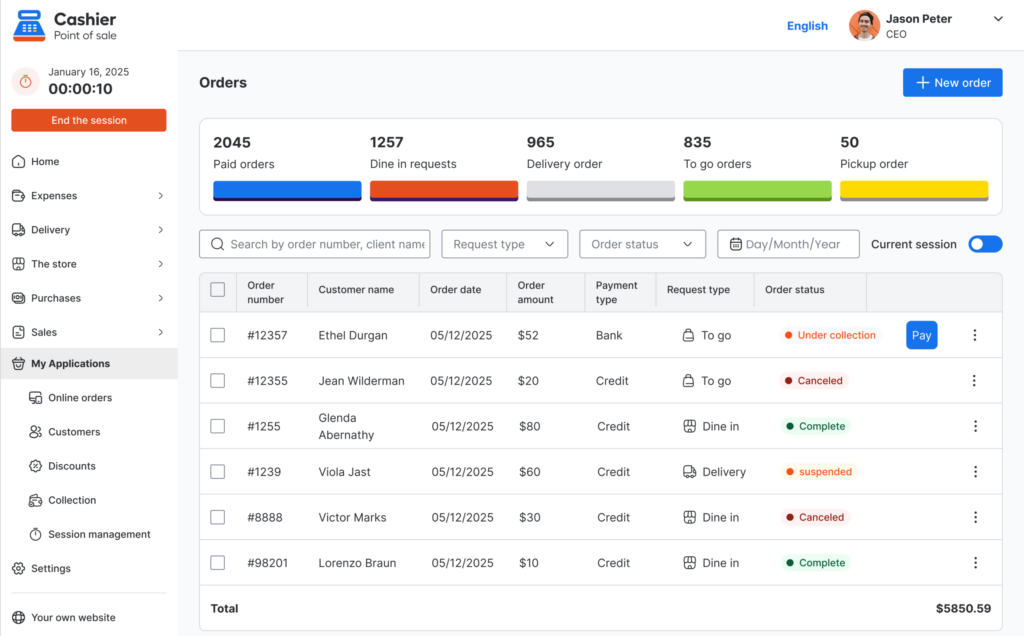
Restaurants do not always need large amounts of personal customer information to understand purchasing behavior.
Useful insights can be found through operational data such as:
- Order time
- Menu items selected
- Order value
- Branch location
- Payment method
- Sales channel
- Products purchased together
For example, a restaurant may discover that family meals sell more frequently on Thursday evenings or that quick meals perform best during weekday lunch hours without identifying individual customers.
When restaurants use customer accounts or loyalty programs, they should have a clear reason for collecting each type of information.
Access to customer data should be protected, and the business should comply with the privacy and data protection requirements that apply in its market.
A practical principle is to collect only the information required to serve customers and improve operations, protect it carefully, and avoid creating unnecessary privacy risks.
Restaurant Reports That Should Be Reviewed Regularly
Daily Sales Report
The daily report should be reviewed at the end of each business day.
It may include:
- Gross and net sales
- Total number of orders
- Average order value
- Payment methods
- Discounts
- Refunds and canceled orders
- Cash differences
- Top-selling products
- Unusual transactions
The purpose of the daily report is to identify problems quickly.
If the restaurant has an unusual increase in refunds, canceled orders, or cash differences, management can investigate immediately instead of waiting until the end of the month.
Weekly Sales Report
The weekly report helps management compare different days, review peak periods, analyze promotions, monitor employee performance, and prepare inventory orders.
It supports short-term decisions such as:
- Adjusting staff schedules
- Increasing ingredient orders
- Changing a promotion’s timing
- Reorganizing shifts
- Reviewing weak sales periods
- Preparing for weekend demand
Weekly reports are detailed enough to reveal patterns but frequent enough to support fast operational improvements.
Monthly Performance Report
The monthly report provides a wider view of business performance.
It should ideally include:
- Total sales
- Net revenue
- Number of orders
- Average order value
- Expenses
- Cost of ingredients
- Gross profit
- Discounts
- Waste
- Employee performance
- Branch comparisons
- Results compared with the previous month
- Results compared with business targets
Monthly reports are useful for management meetings because they show whether business growth is sustainable or caused mainly by temporary promotions, seasonal demand, or price changes.
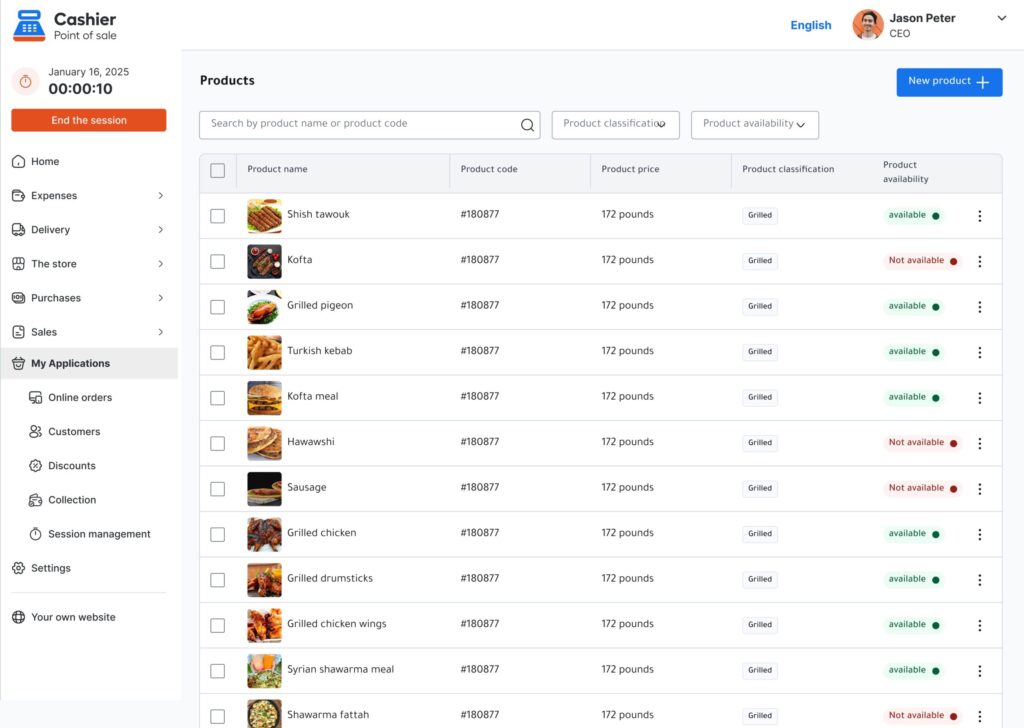
Menu Item Performance Report
This report focuses on the sales volume, revenue, cost, and profitability of each item and category.
It can support decisions about:
- Menu pricing
- Product placement
- Recipe changes
- Meal bundles
- Seasonal products
- Removing weak items
- Promoting high-margin products
A restaurant should not remove an item based only on low sales. The product may still be important to a specific customer group or may help sell other products.
Its role in the complete customer order should be considered before a decision is made.
How to Choose a POS System for Restaurant Sales Analysis
When evaluating a restaurant POS system, do not focus only on how quickly it creates a receipt.
Consider how easily the system helps you access, organize, and understand business information.
Important features include:
- Real-time sales reports
- Filters by date, employee, branch, product, or category
- Sales and inventory integration
- Expense management
- Employee permissions
- Discount and refund tracking
- Multiple branch support
- Different payment methods
- Online and offline operation
- Easy-to-use order screens
- Mobile, desktop, and web access
- Exportable reports
- Simple employee training
- Clear customer support
An effective POS system should help employees complete transactions quickly while giving owners enough information to manage the business.
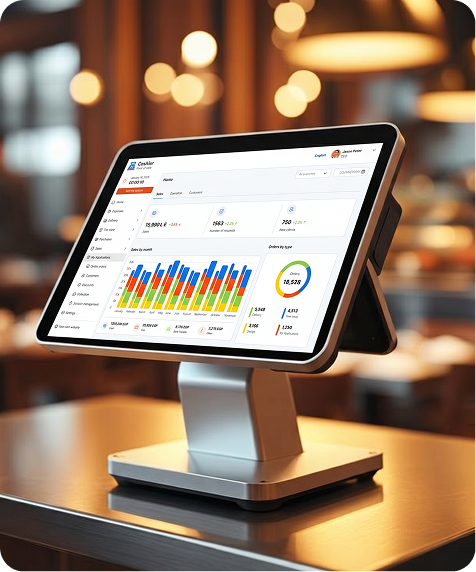
Cashier POS is a free POS system designed for restaurants, supermarkets, retail stores, cafés, and other businesses.
It is available as a mobile POS app for iOS and Android, a desktop application, and a web-based POS. This allows restaurant owners and employees to manage operations from different devices.
How Cashier POS Helps Restaurants Make Better Decisions
Cashier POS is more than a digital cash register.
It brings important restaurant operations together, including:
- Sales processing
- Payment tracking
- Inventory management
- Product and category management
- Employee access
- Expense recording
- Business reports
- Online and offline selling
When restaurant transactions are recorded in one system, reports become faster and more consistent than reports created from separate spreadsheets or manual records.
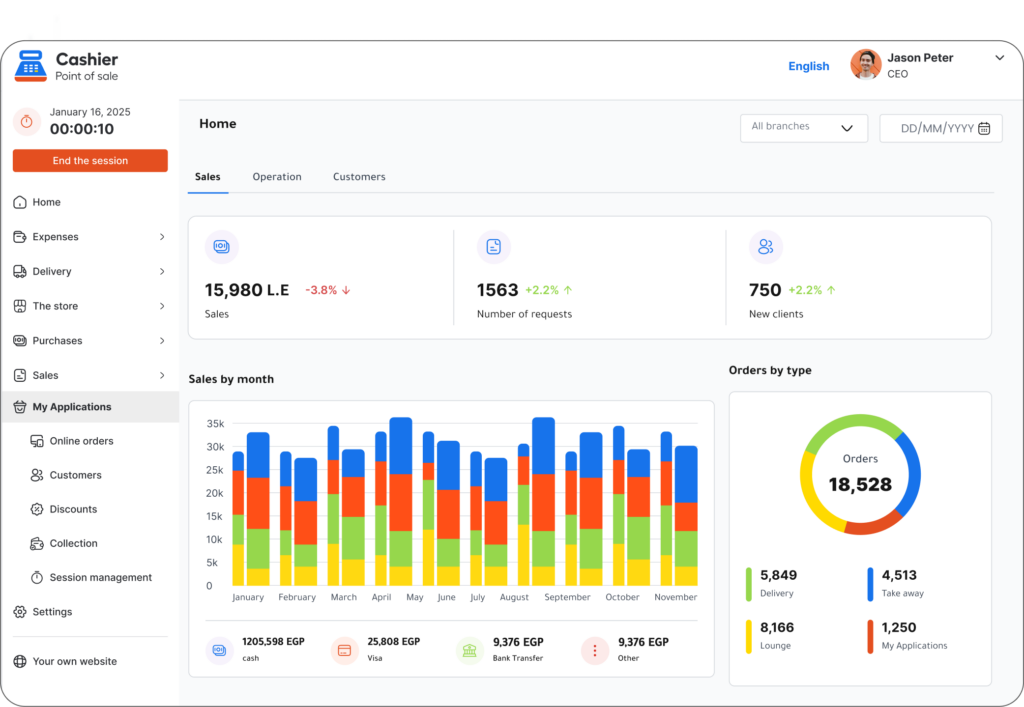
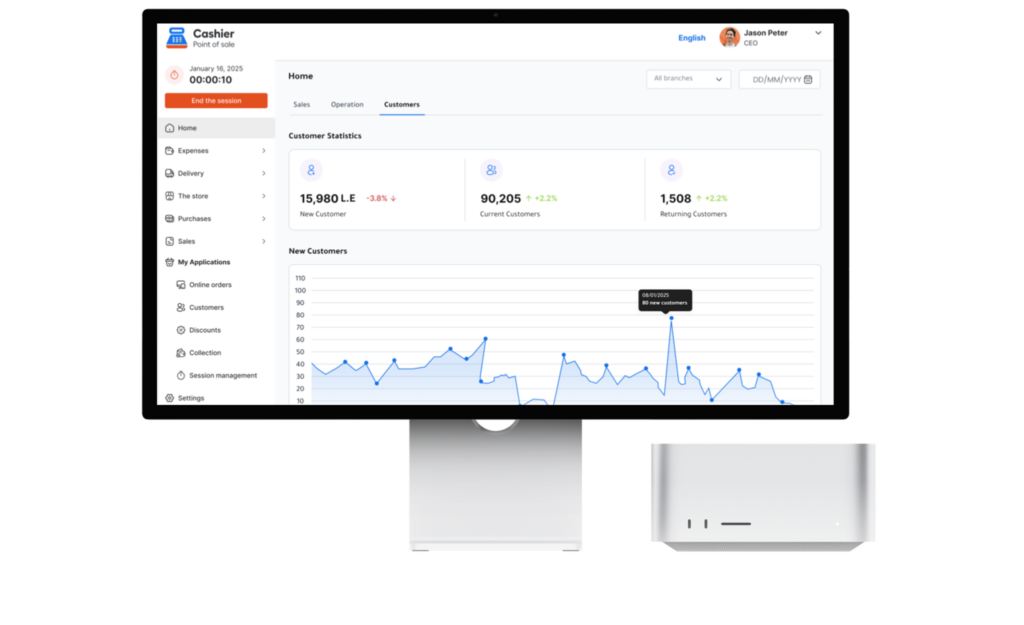
Restaurant owners can use Cashier POS to monitor sales performance, review popular products, follow inventory movement, analyze expenses, and evaluate daily operations.
The system’s online and offline POS capabilities allow restaurants to continue selling when the internet is unavailable. Once the connection is restored, data can be synchronized so owners maintain an accurate view of the business.
Cashier POS can also be used across different devices, making it suitable for restaurants that need a flexible point-of-sale app for counters, mobile devices, offices, or multiple business locations.
As a free point-of-sale solution, it can be especially useful for new restaurants and small businesses that want to organize sales without immediately investing in an expensive POS platform.
Conclusion
Understanding restaurant customers should not depend on assumptions alone. It begins with observing what customers order, when they visit, how much they spend, which products they combine, and how they respond to promotions.
Restaurant sales reports turn these daily transactions into information that can help you improve the menu, schedule employees, reduce waste, increase average order value, and make more confident growth decisions.
The value of the data depends on how accurately it is recorded and how carefully it is interpreted. Restaurants therefore need a reliable POS system that connects daily transactions with clear and practical reporting.
Cashier POS helps restaurants organize sales, payments, inventory, expenses, employees, and reports through one flexible platform.
With free access, online and offline operation, and support for mobile, desktop, and web-based selling, Cashier POS gives restaurant owners the tools they need to understand performance and manage their business more efficiently.
A POS system should not only complete orders and generate receipts. It should provide the information required to improve operations, serve customers better, and build a more profitable restaurant.